
← Courses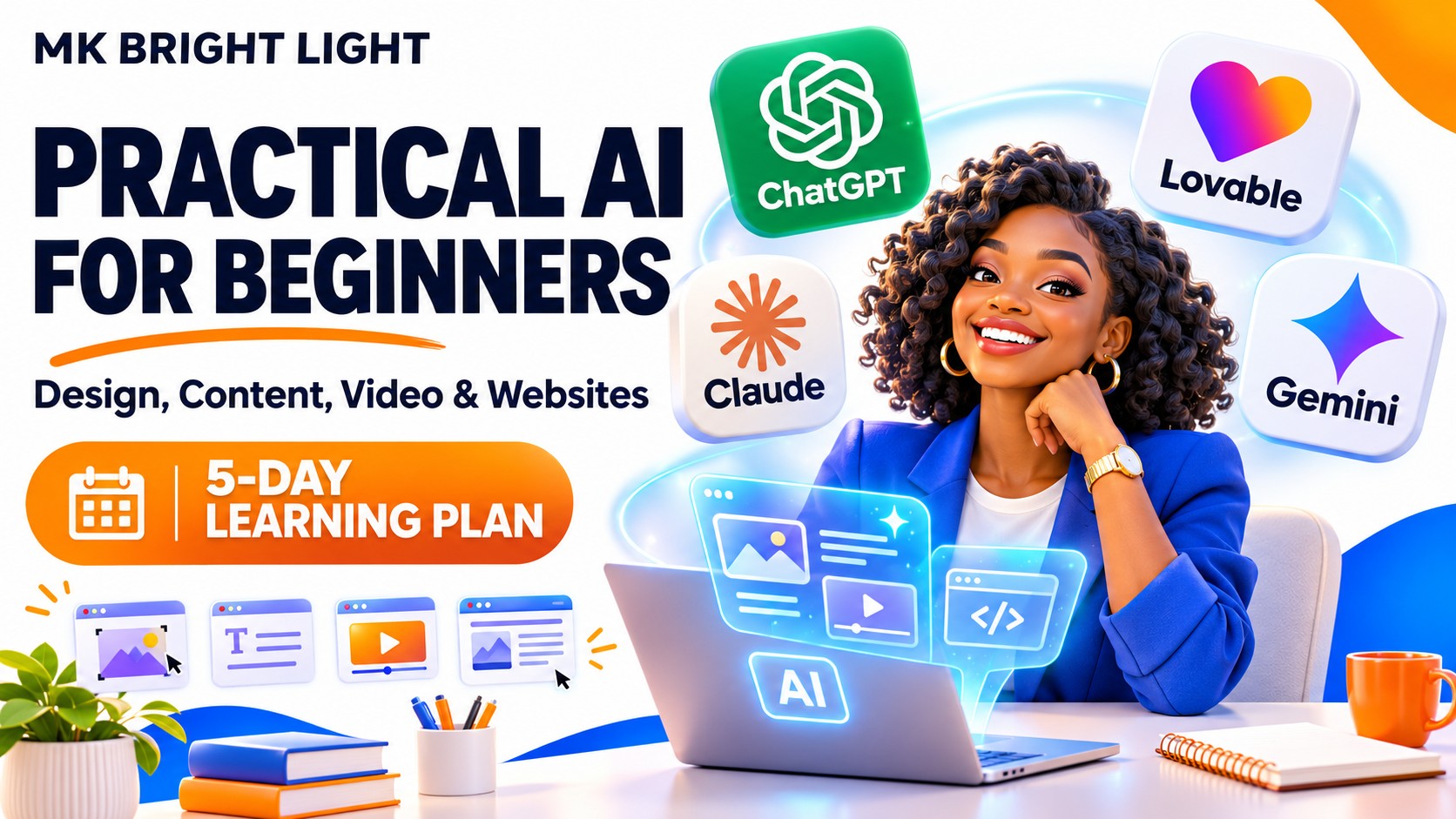
Available
Practical AI for Beginners: Design, Content, Video & Websites
Learn to create logos, branded mockups, social media content, simple websites, AI videos and voiceovers. Build practical skills through guided activities and a final project. Follow the suggested five-day plan or learn at your own pace.
- Beginner
- English
- Estimated 5 days
- Self-paced
- 5 modules
- 23 lessons
Course outline
Getting Started: Your Tools and Learning Plan (optional orientation)
Module 1: AI Design & Branding
- Lesson 1: Understanding AI and Prompts
- Lesson 2: Creating a Logo with AI
- Lesson 3: Putting Your Logo on Merchandise and Mockups
- Lesson 4: Creating Posters and Flyers with AI
- Lesson 5: Using Reference Images for Design Inspiration
- Lesson 6: Introduction to Canva AI
Module 2: AI for Social Media Content
- Lesson 1: Writing Captions with ChatGPT, Gemini or Claude
- Lesson 2: Combining Images, Captions and Calls to Action
- Lesson 3: Writing Advertising Copy with AI
- Lesson 4: Planning a Week of Social Media Content with AI
Module 3: Build Your First Website with Lovable
- Lesson 1: What Is Vibe Coding?
- Lesson 2: Plan Your Personal Portfolio and Write Your First Lovable Prompt
- Lesson 3: Build Your Personal Portfolio with Lovable
- Lesson 4: Publish Your Portfolio and Submit Your Live Link
Module 4: AI Videos and Voiceovers
- Lesson 1: What Is an AI Video?
- Lesson 2: Writing and Improving Your First AI Video Prompt
- Lesson 3: Create Your First Short AI Video
- Lesson 4: Plan Your Longer AI Video
- Lesson 5: Create Your Story Video
- Lesson 6: Create Your First AI Voiceover
Module 5: Putting It All Together
- Lesson 1: Plan Your Final AI Project
- Lesson 2: Create and Submit Your Final Project
- Lesson 3: Your Next Steps with AI
Completion rules
- Complete every lesson and pass every lesson quiz. Videos and optional activities are not extra requirements.