

← Courses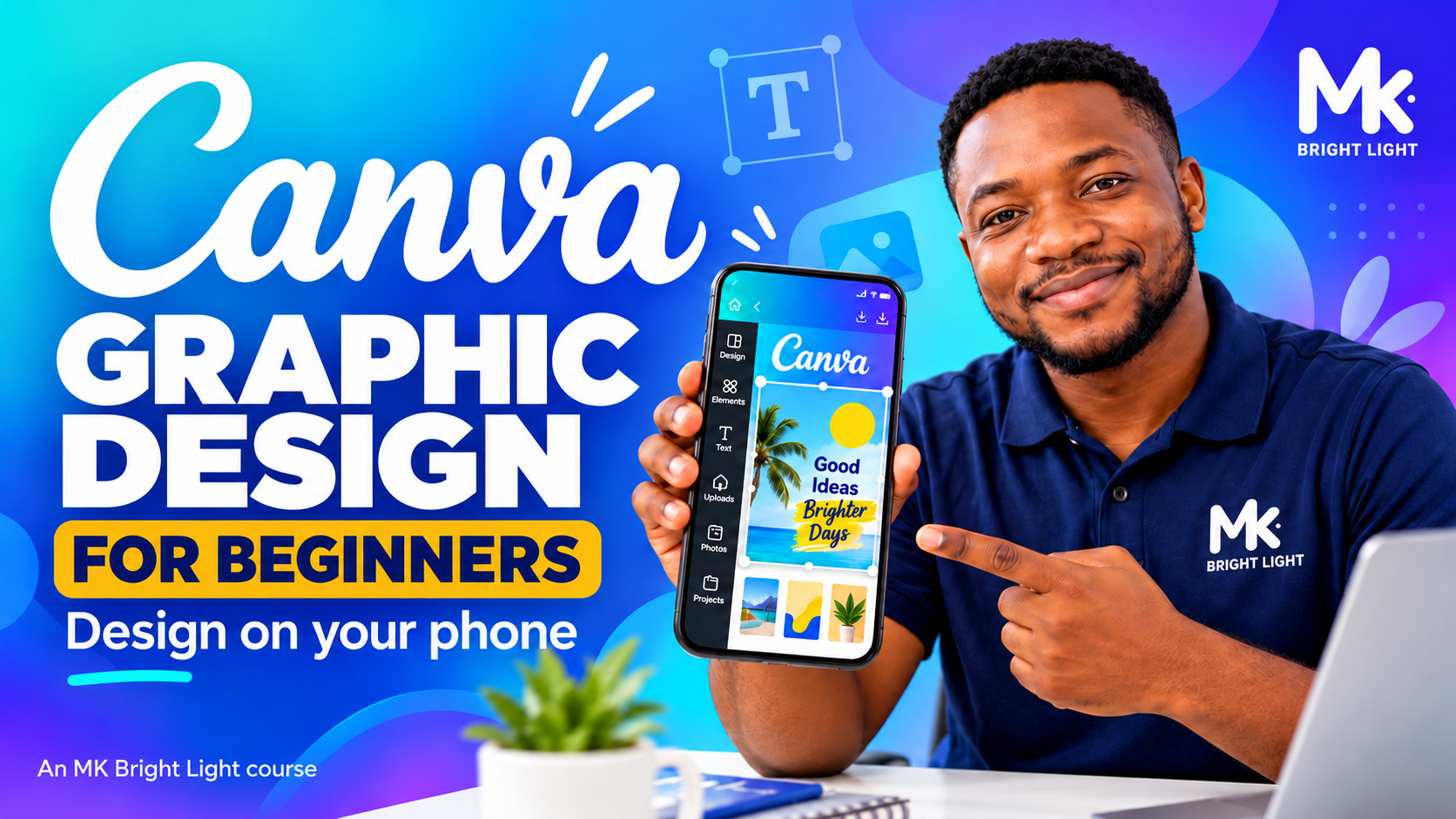
Available
Canva Graphic Design for Beginners: Design on Your Phone
Plan, create, check and improve posters, posts and simple brand graphics on your phone.
- Beginner
- English
- Self-paced
- 5 modules
- 26 lessons
What you will learn
- Plan a clear message for a specific audience
- Create and improve readable designs using free Canva features
- Design a promotional flyer, square social post with a caption and simple price list
- Check and prepare consistent designs for delivery
Course outline
Module 1: Start with a Clear Message
- 1.1 Welcome: You Can Learn to Design (optional welcome video)
- 1.2 What Graphic Design Does
- 1.3 Who Are You Designing For?
- 1.4 Choose One Main Message
- 1.5 Give Viewers a Next Step
- 1.6 Write Your First Design Brief
Module 2: Get Comfortable in Canva
- 2.1 Get Canva Ready
- 2.2 Canva Free and Canva Pro
- 2.3 Find Your Way Around Canva
- 2.4 Find and Choose a Canva Template
- 2.5 Edit a School Flyer — Guided Practice
- 2.6 Save, Download and Find Your Design
- Module 2 assignment: Submit Your Bright Academy Practice Flyer
Module 3: Make Your Design Readable
- 3.1 Make the Main Message Stand Out
- 3.2 Choose Readable Fonts
- 3.3 Align Your Text
- 3.4 Give Your Design Breathing Room
- 3.5 Use Colour for Clear Contrast
- 3.6 Improve and Check Your Flyer
- Module 3 assignment: Submit Your Improved Bright Academy Flyer
Module 4: Build Practical Business Designs
- 4.1 Design a Business Promotion
- 4.2 Design a Social Media Post
- 4.3 Design a Simple Price List
- 4.4 Check and Submit Your Designs
Module 5: Design Independently and Deliver
- 5.1 Plan Your Independent Design Project
- 5.2 Create and Check Your Design Set
- 5.3 Prepare Your Files for Delivery
- 5.4 Final Knowledge Check
- 5.5 Submit Your Final Portfolio
Requirements
- No previous design experience is required. Design on your phone using Canva.
- Canva Pro is not included; core tasks use free Canva features.
- Welcome videos are optional. Required videos need 90% unique playback; required lessons, practice, quizzes and module reviews still apply.
Completion rules
- Complete all five modules, required lessons, practice, quizzes and module reviews. Required quiz pass mark: 80%.
- Required module assignments must receive instructor approval. Awaiting review is not completion.
- Pass the final knowledge check with at least 8/10 (80%).
- Submit the three-piece final portfolio: at least 80/100 and explicit instructor approval are both required.
- A completion certificate is available only after every course requirement is verified. Optional welcome sections are excluded from the required lesson count.